Casagrand Moondance Kumbalgodu Gallery
Browse 22 architectural and lifestyle visualisations of Casagrand Moondance Kumbalgodu in two themes - Exterior, Architecture & Elevation Photos (16) with aerial / façade / golden-hour / twilight renders, and Casagrand Moondance Interior Designs (6) with clubhouse-lounge, mini-theatre and night-elevation visualisations. Click any image to open the full-size lightbox. Interior, bedroom, bathroom and amenity renders live on the floor-plans and amenities pages alongside the matching drawings; layout drawings (master plan, unit plans, building / clubhouse floors) live on the master-plan, floor-plans and amenities pages. In the same Bengaluru market, Casagrand Sunside helps keep the gallery review tied to design evidence rather than only the most polished render or model-flat image.
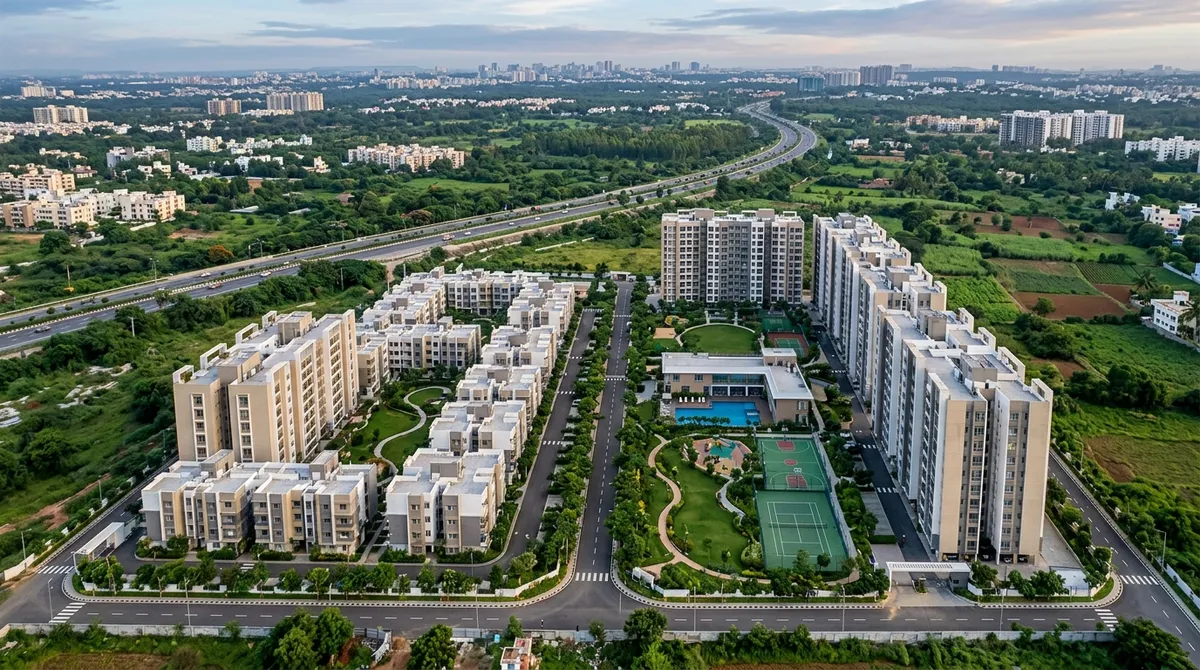
Casagrand Moondance Exterior, Architecture and Elevation Photos
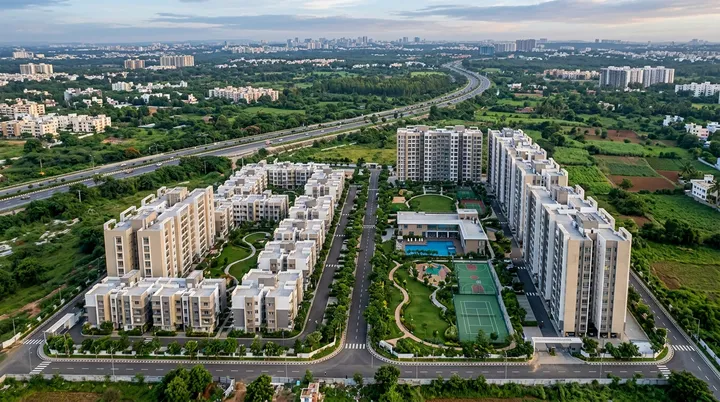
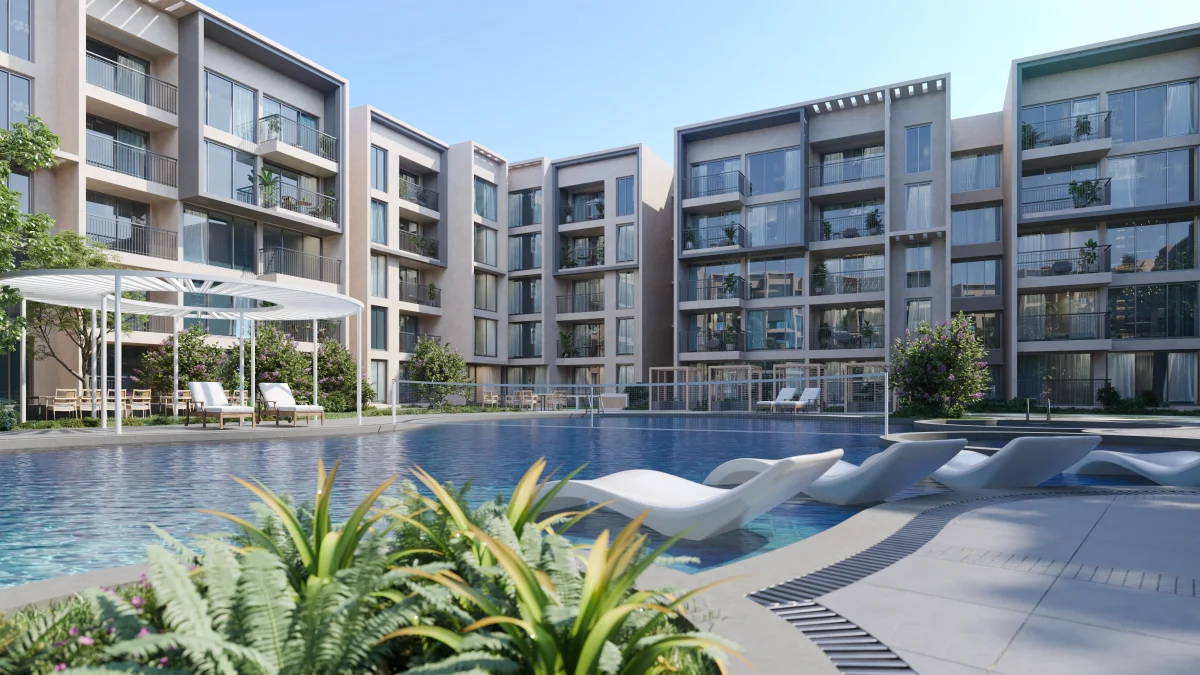
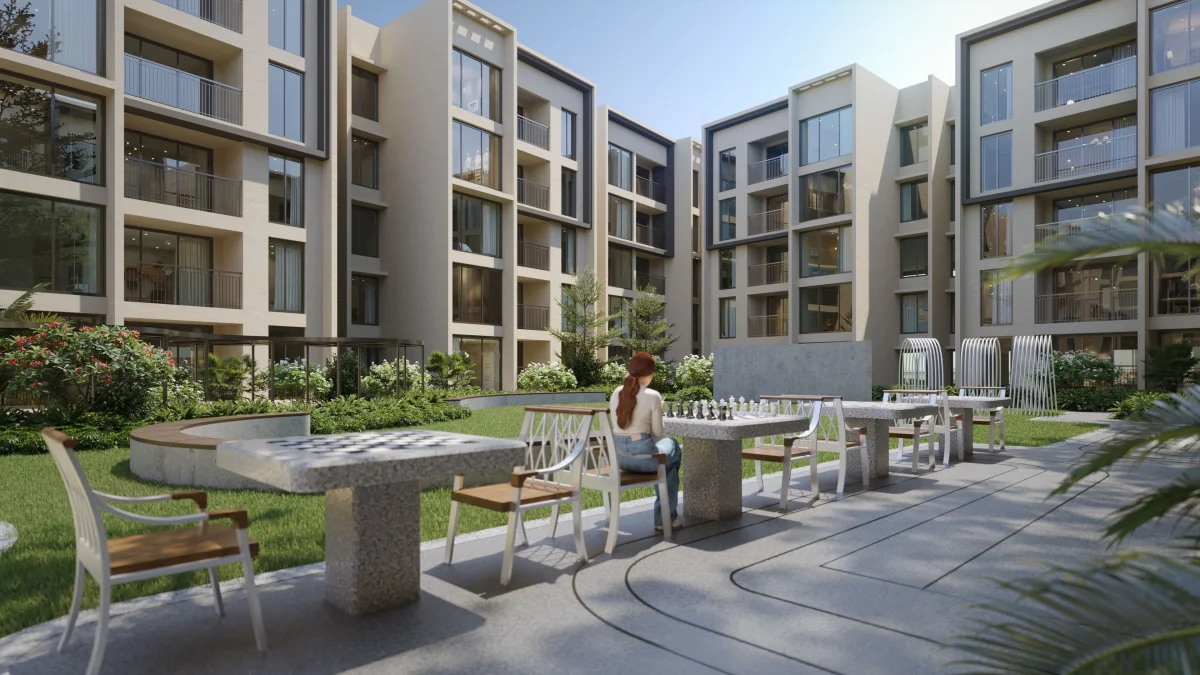
Sixteen renders that document the project's architectural language from every reading distance - an aerial sweep of the 8.6-acre footprint, the building façade at street level, and the elevation rhythm as it stacks across B+G+4. Several observations the visuals make explicit:
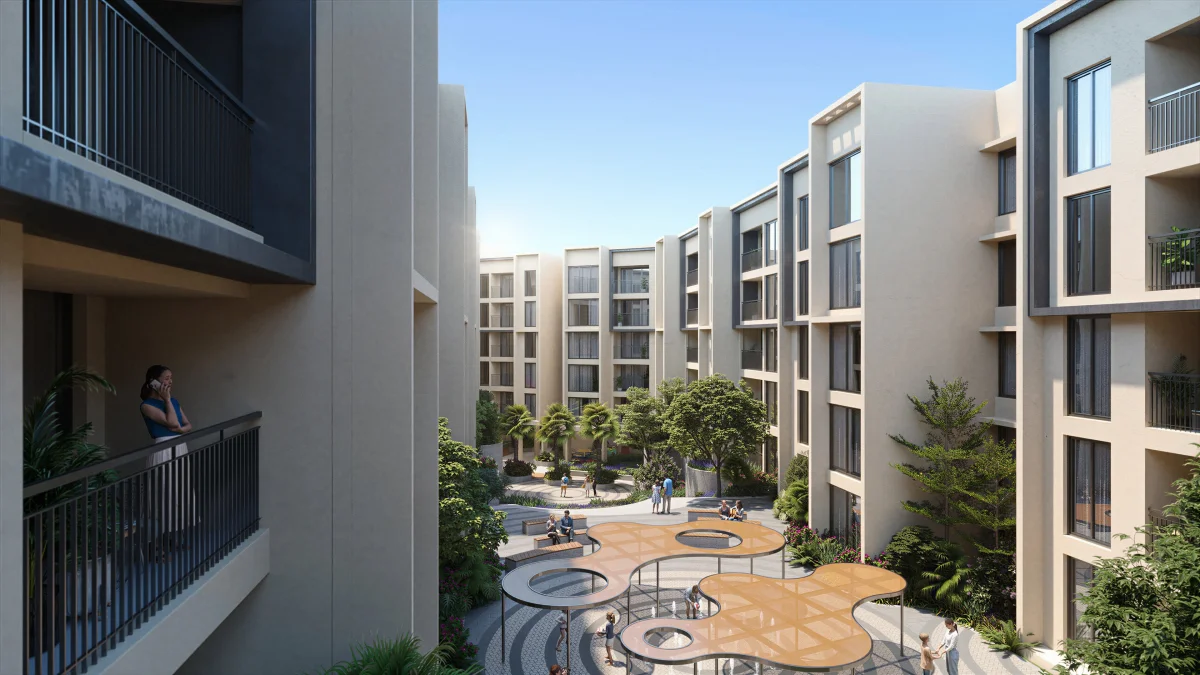
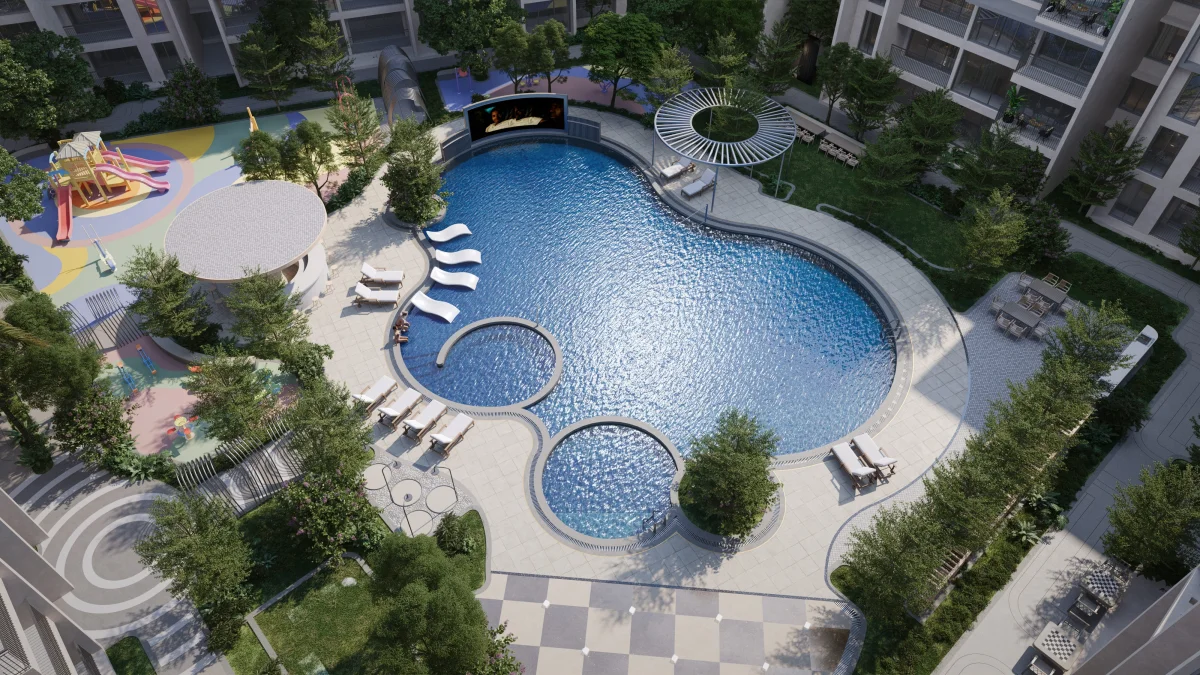
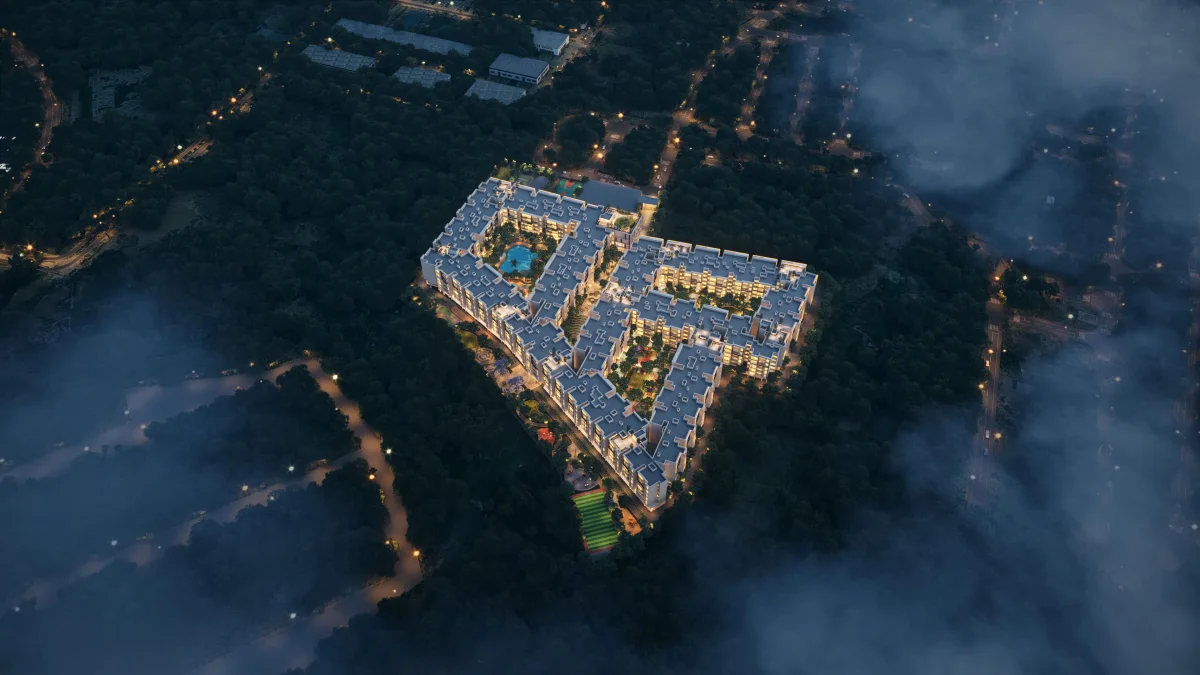
- Massing & density - the aerial view confirms the low-rise commitment: building footprints arranged around 3 grand central courtyards, perimeter-only vehicular movement, and ~4.5 acres of open green at the heart of the community. No tower-shadow, no tight-stack feel.
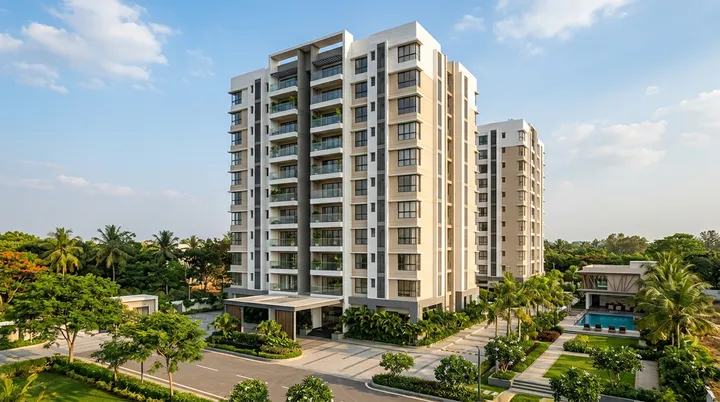
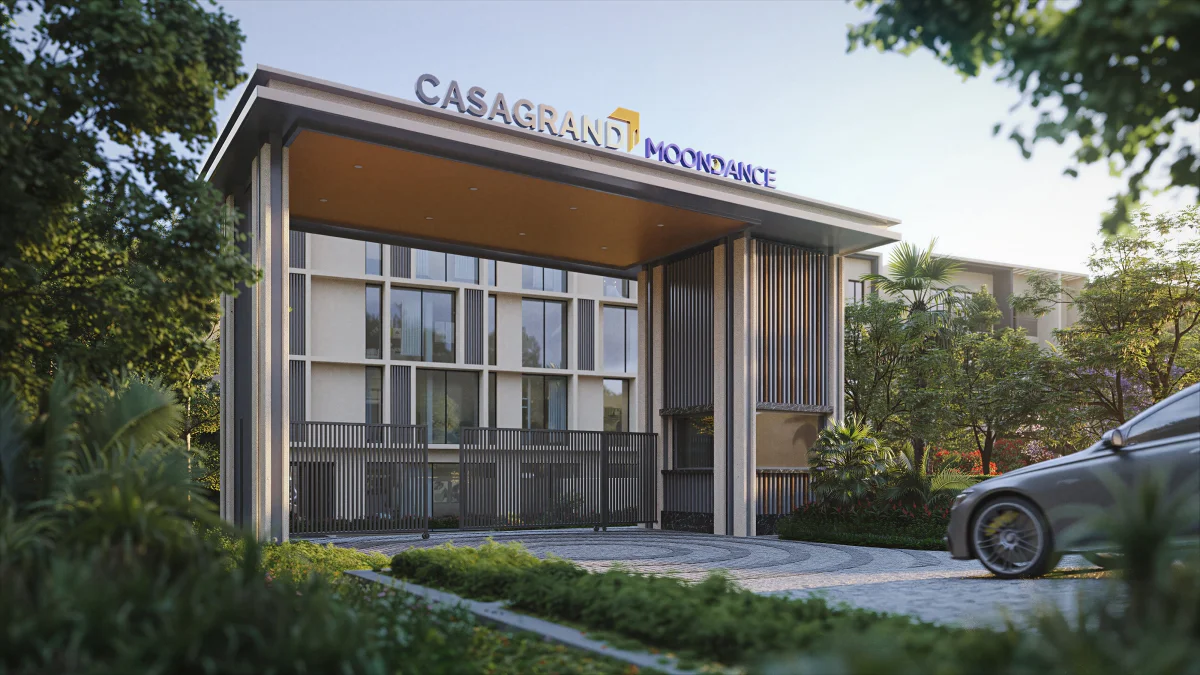
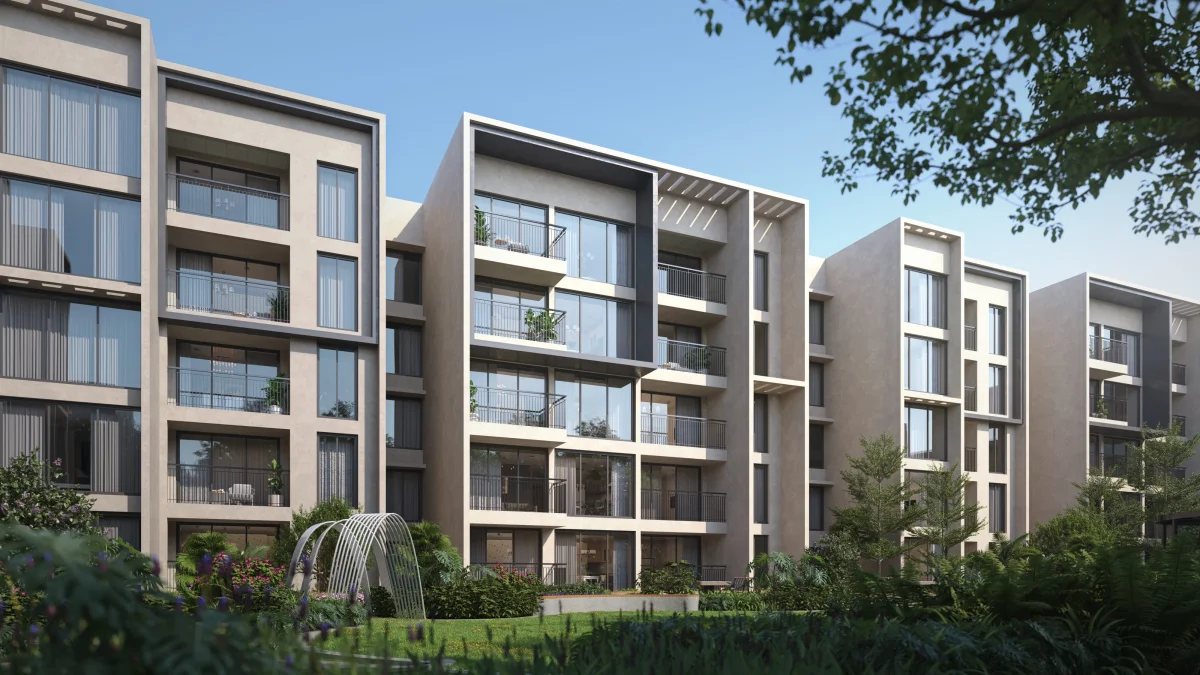
- Façade material - render + stone-accent palette, neutral warm tones rather than the glass-and-cladding "premium-glass-tower" look. The rendering reads warm and ages predictably; stone accents on the entry portals signal that the developer's spend went into the moments residents and visitors actually touch.
- Fenestration rhythm - windows are generously sized for daylight (roughly 15–25% of the façade area), balconies run continuously across the bays, and balcony depth reads as outdoor-living rather than a setback strip. The visual scale stays approachable for a residential community.
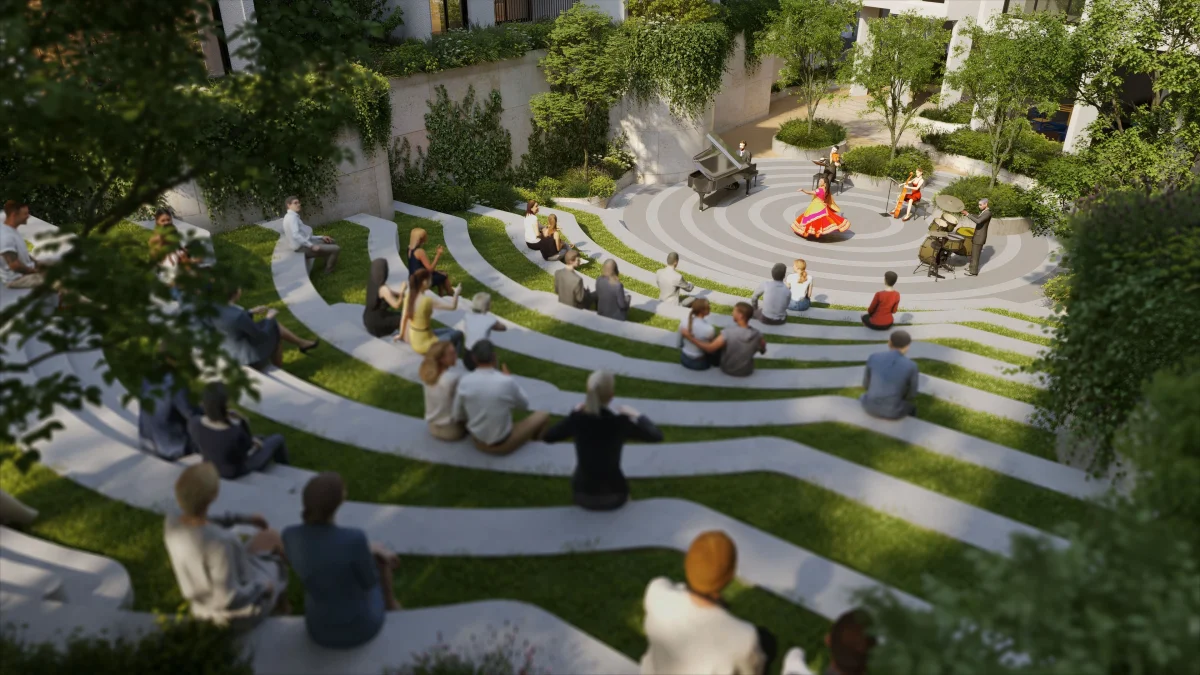
- Landscape edge - mature-tree planting at the perimeter, courtyards softened with low planting and water features, and a sun-and-shade rhythm that suggests the site was planned around how the building meets the ground, not just how it rises from it.
- Entrance & arrival - a dedicated entrance render shows a single grand-portal arrival sequence (branded portal, planted forecourt, drop-off lane) - useful for understanding what visitors and residents see on first approach.
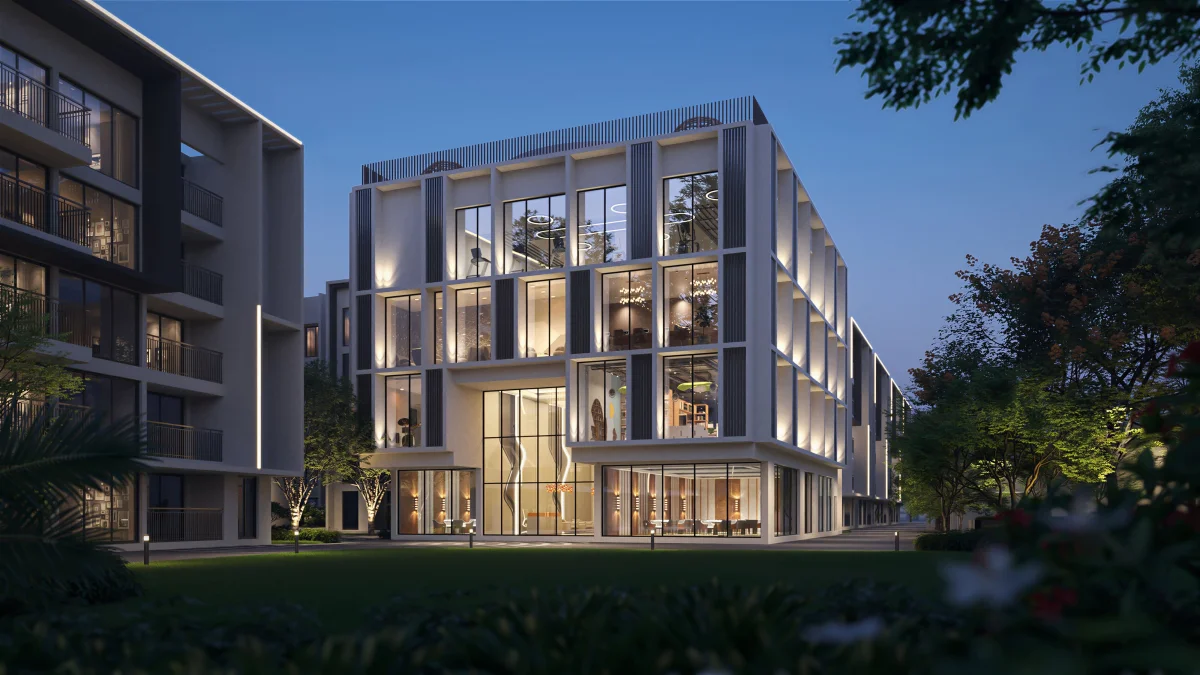
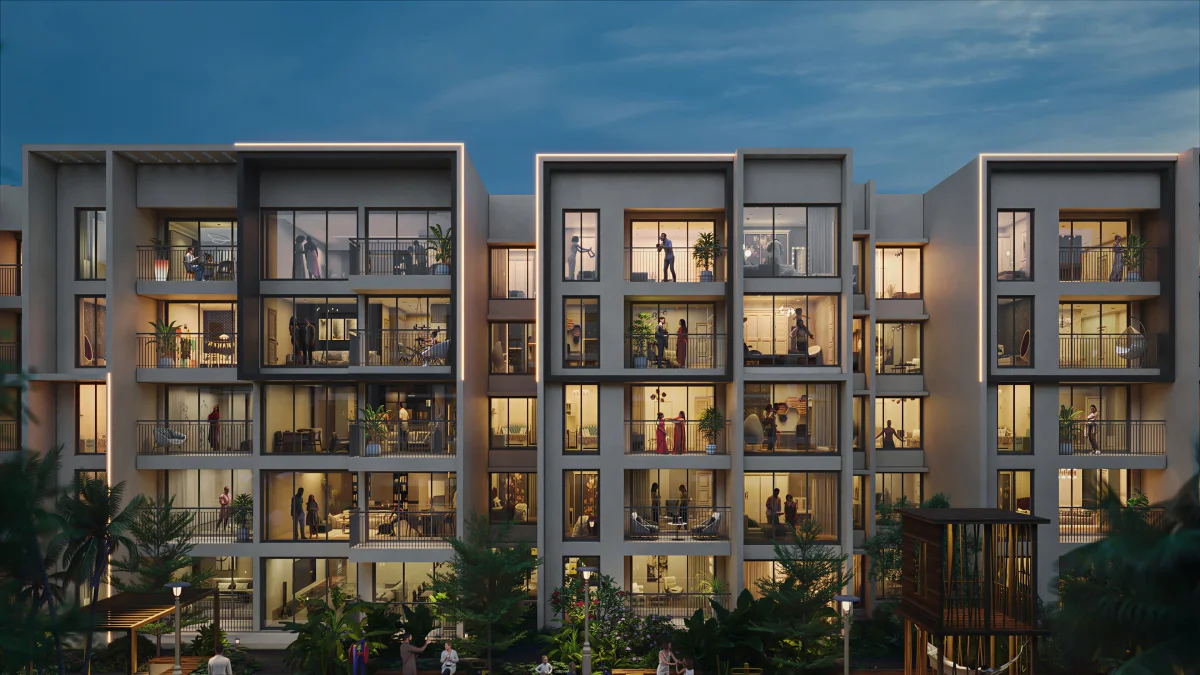
- Time-of-day reading - multiple renders shot at different lighting conditions (clear-day elevation, golden-hour exterior, twilight with lit interiors) so a buyer can read how the façade feels at the times of day they will actually see it.
Casagrand Moondance Interior Designs
Six high-fidelity visualisations that fill in what daily life inside Casagrand Moondance Kumbalgodu actually looks like - the lifestyle the developer is selling, beyond the floor plate. Each render is doing a different job:
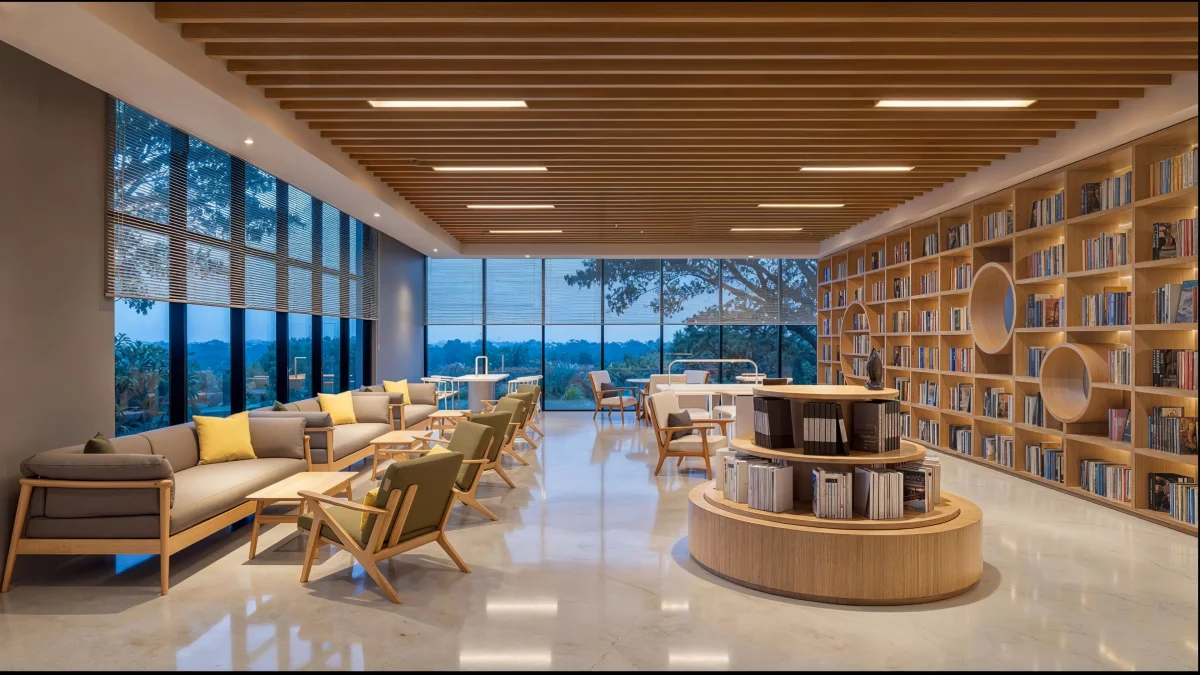
- The clubhouse library & lounge zone - a curved-bookshelf wall, neutral upholstered armchairs in clusters, full-height glazing throwing soft daylight across timber-look flooring. The cue: a co-working / learning-centre treatment that signals working-from-home will be supported beyond the apartment itself.
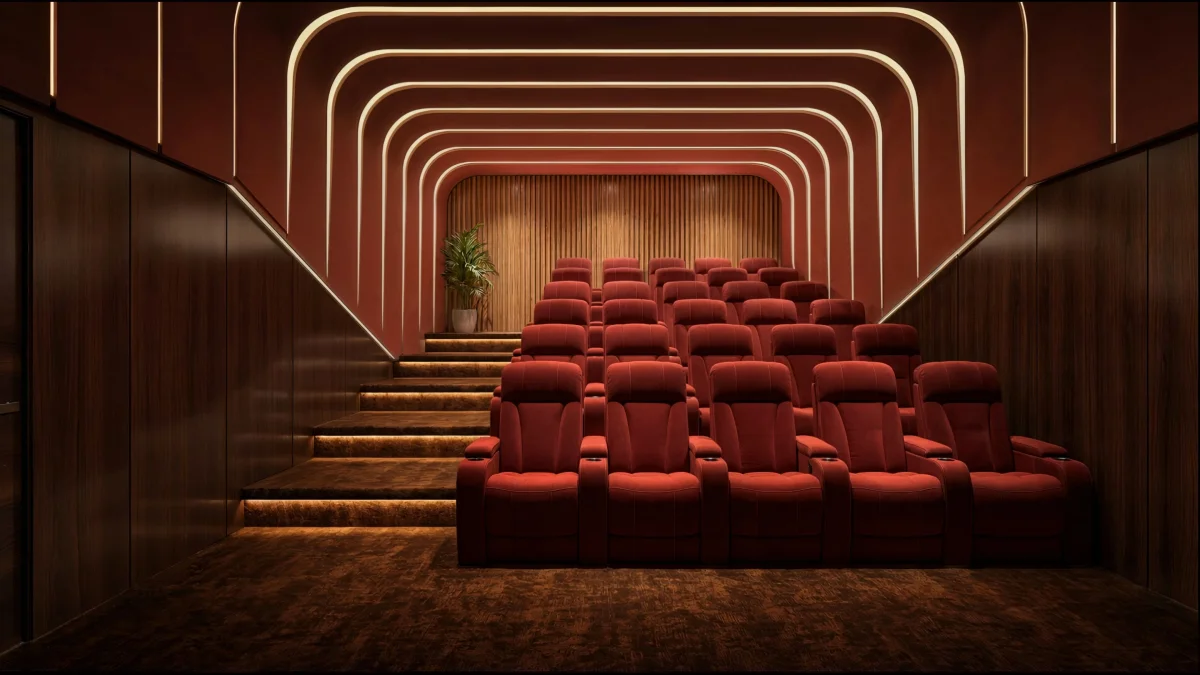
- The mini-theatre - stadium-style tiered seating, deep red velvet upholstery, recessed step lighting. This is the clubhouse "weekend amenity" that lifts the project out of basic-tier mid-market and into a community where Friday-night screenings become part of resident rhythm.
- Twilight exterior - illuminated façade - the apartment block shot at golden-hour transition, balconies and living rooms lit from inside, residents visible through glass. The frame reads the building at the time of day buyers actually look at it (post-commute) and confirms the elevation translates from drawing to lived-in scene.
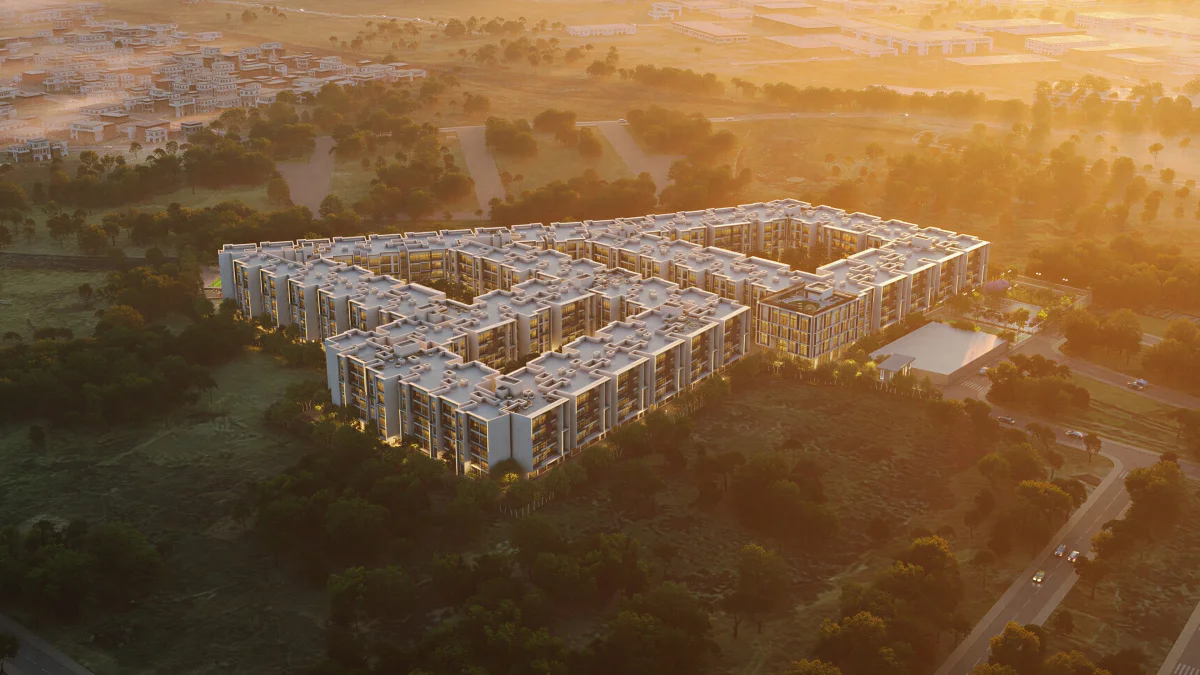
- Aerial night view - a top-down render of the community after dark with landscape lighting threading through the open space and pool deck illuminated as a central feature. Use this to read the project's light footprint - how the 4.5 acres of open space and the 7,800 sqft pool sit in the master plan once it's switched on.
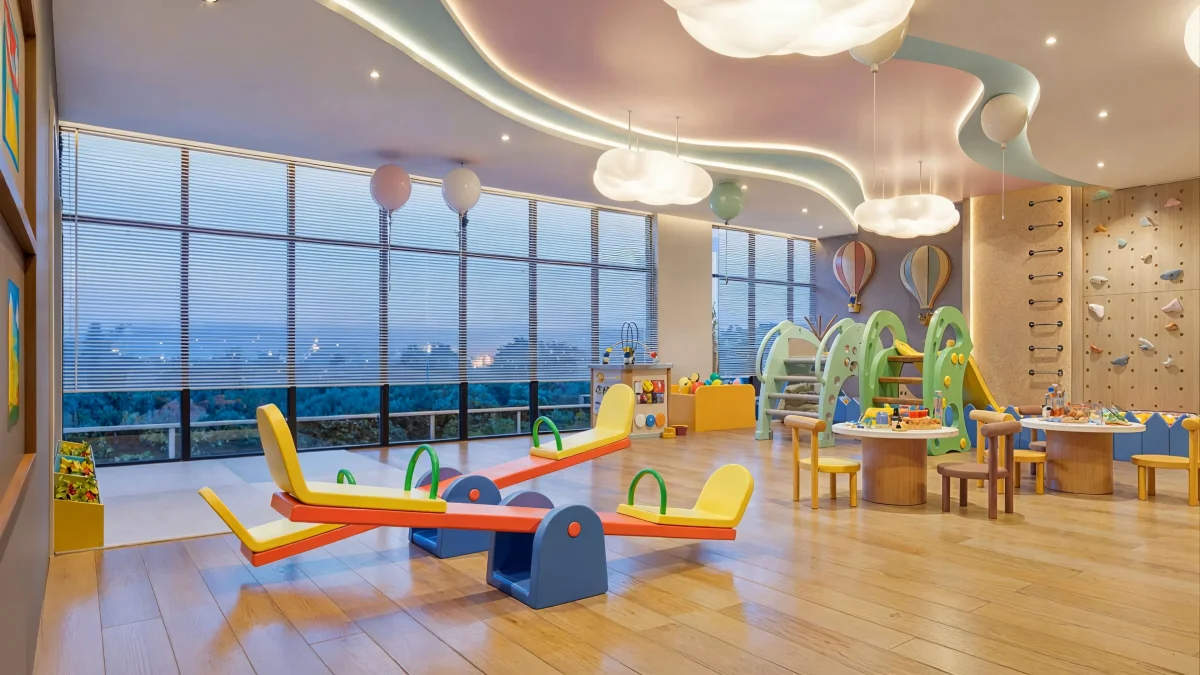
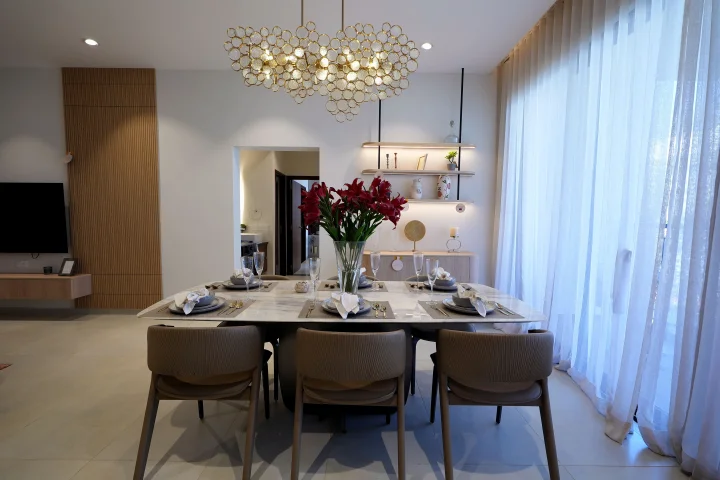
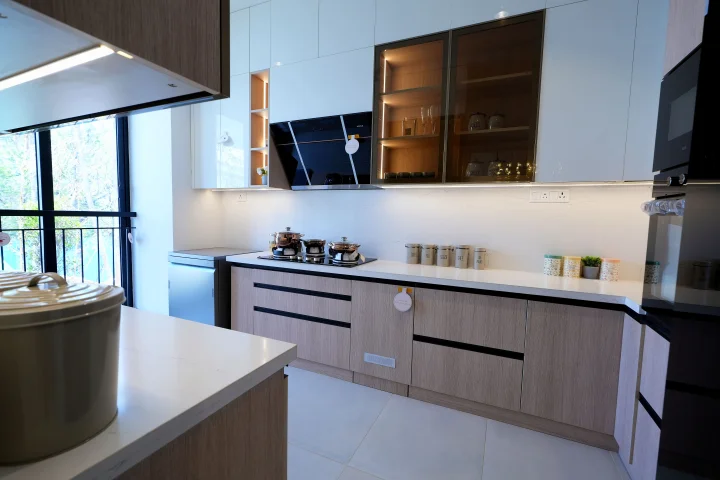
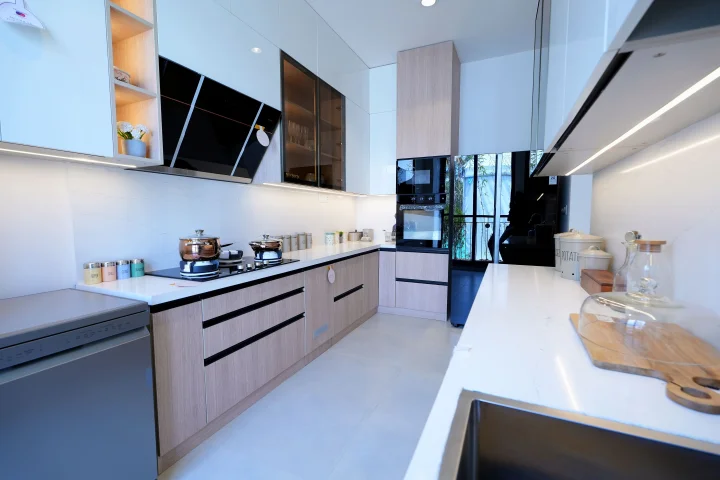
- Two additional interior & elevation visualisations covering material treatments, fenestration rhythm and the overall finish language that runs from clubhouse to apartment door.
Read these alongside the floor plans on the floor-plans page and the amenity programme on the amenities page - the layouts explain the geometry; these renders show the warmth and material quality the geometry is meant to deliver.
Layout drawings - see them on their dedicated pages
The gallery focuses on photographic and rendered visuals. The architectural layout drawings live on the pages that need them most:
- Master-plan page - the 8.6-acre site plan and the building-level floor stack (basement, representative residential floor and terrace).
- Floor-plans page - the unit-level 2 BHK and 3 BHK plans plus the model-flat reference drawing.
- Amenities page - the floor-by-floor drawings for the 20,300 sqft clubhouse (ground, representative upper-floor plate and terrace).
- Location page - the schematic location map.
What to look for in these images
Marketing renders are ideal-case. When you read them as a buyer, pay attention to three things: the building-to-sky ratio in the elevation render (more sky suggests lower density, more building suggests taller / denser cluster); the landscape maturity in the aerial (render trees are always shown at 5–10 year maturity - adjust mentally for what newly-planted landscaping looks like at handover); and the lighting treatment in interior renders (golden-hour lighting flatters every material - ask for neutral-daylight sample-flat photos at the site visit to calibrate).
Two further render-reading habits pay off. First, compare the balcony depth shown in the elevation against the floor-plan dimension - renders sometimes visually exaggerate balcony size; the plan is the ground truth. Second, check whether the aerial render shows the final-phase landscape or the handover-day state; most developer renders show the mature community at year five, which is fair so long as the buyer understands the timing.
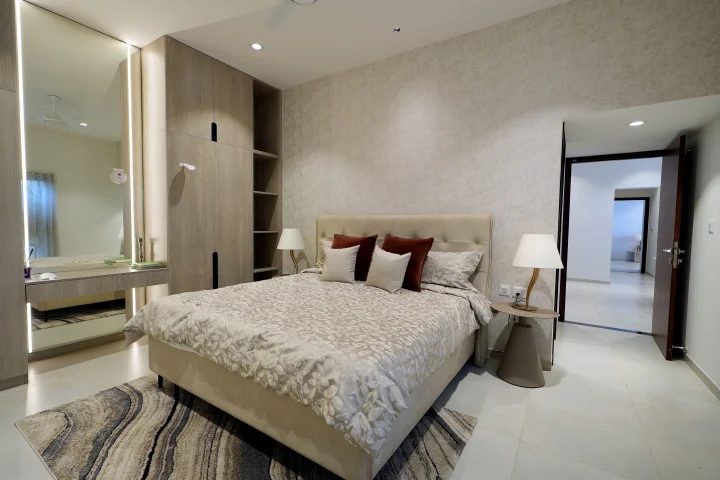
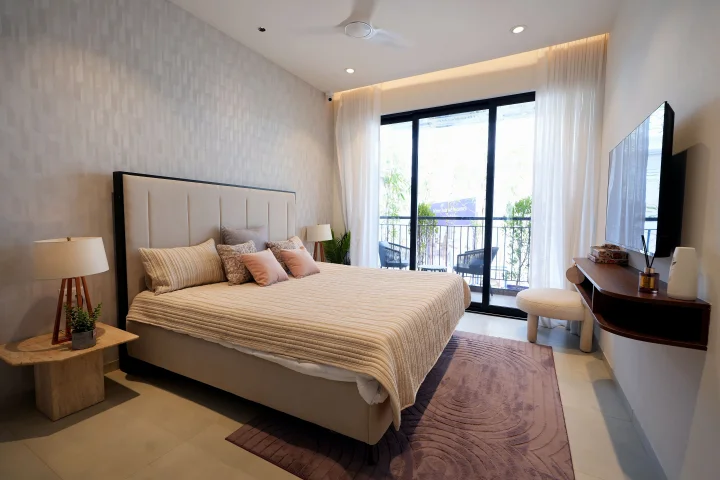
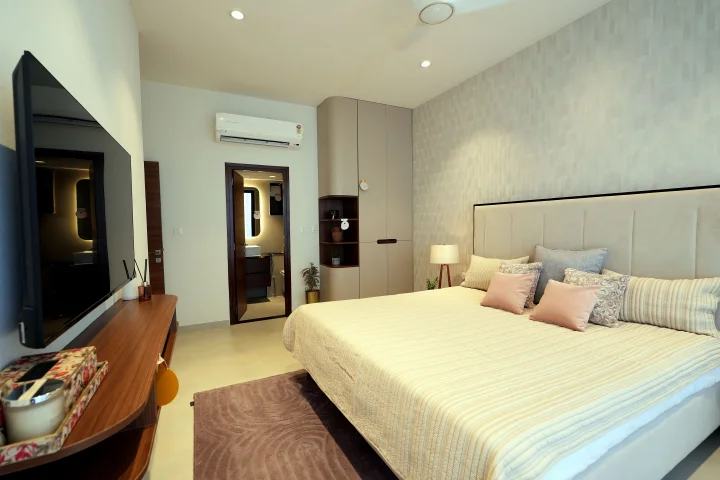
Interior, bedroom, bathroom and amenity renders are not shown on this page - they live on the floor-plans page (sample living-room, interior, bedroom and bathroom visualisations alongside the unit drawings) and the amenities page (17 amenity / clubhouse / community renders alongside the amenities list). Pair this exterior-focused gallery with those pages for the full visual walkthrough.
For the full-resolution brochure PDF, the dated sanction plan, and the RERA-approved carpet-area statement, share your contact via the contact page and a sales consultant will email the package during business hours. Pair these images with the written context on the overview, master-plan and amenities pages for a complete read.
How to use these images at the site visit
Take printed copies (or a tablet) of the four typology drawings and the master plan to the site. On-site, the sales team will typically show you a sample flat and walk you around the master-plan model; use the printed plans to check dimensions against the sample-flat reality, and to ask about specific unit numbers you are considering. The master plan printout is also the quickest way to confirm exactly where each amenity block and the parking approach sit - signage on-site at launch phase is minimal because construction is ongoing.
Resist the temptation to treat renders as promises. The useful read is directional - the scale, the density, the material language - not literal. Ask for drone footage or current construction photographs during the site visit; they will give you a more honest sense of where the project is in its build cycle than any render can.
Want the HD brochure?
The HD brochure carries high-resolution elevation and interior renders, the sanctioned master plan, and the full typology drawings with dimensions marked. Request it via the contact form and we'll share the file link during business hours.
Talk to a Sales ConsultantFrequently Asked Questions
Casagrand Moondance Kumbalgodu Gallery - Frequently Asked Questions
This page covers exterior elevation views, aerial renders and on-site photographs. Interior, bedroom and bathroom visualisations live on the floor-plans page; amenity and clubhouse renders live on the amenities page.
Marketing images are artist's impressions and may not accurately depict actual construction. Final elevations, finishes, and interior specifications are confirmed in the agreement specification annexure and through the sample-unit viewing during a site visit.
Yes. The sales and experience centre is at the project site, off Mysore Road, Kumbalgodu, open Monday to Sunday, 10 AM to 7 PM. Please call or submit the contact form in advance so a consultant is available to walk you through the master plan, floor plans, cost sheet, and sample-unit viewing where available.
Sample-unit viewing is offered at the on-site experience centre where available, alongside walkthroughs of the master plan and configuration drawings. Confirm sample-home readiness with the sales team when scheduling your visit.
Higher-resolution gallery images, the floor plan pack with dimensions marked, and the cost sheet are shared on request via the contact form. Mention brochure in the form note and the sales team sends the current pack in writing.
Because the project is in its launch phase, most visuals are renders rather than as-built photographs. Final architectural and interior shots are added as construction progresses; treat current images as artist's impressions of the planned community.